- 1Download the .melmod fileTap Download .melmod. If your browser renames it to .zip or .bin, rename it back to .melmod.
- 2Move it to the Mods folderPut the file in Android/data/com.studio27.MelonPlayground/files/Mods/ — or open it with the Nolem Playland app to skip this step.
- 3Restart Melon PlaygroundClose the game fully, then open it again so it loads the new mod.
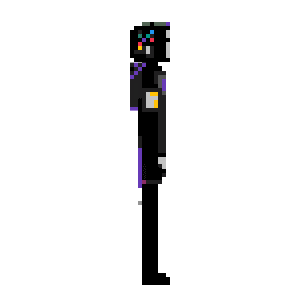
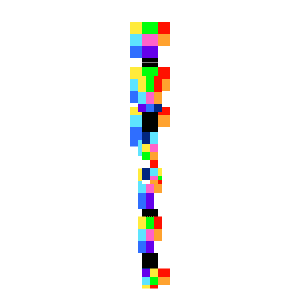
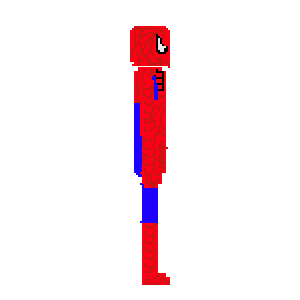
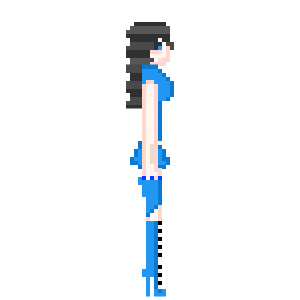
- 4Find it in the item menuOpen any map, open the item menu and look in the Living category.
Built for game v1.4. It still loads in newer game versions, but some of its features may not work there. Check back for an updated file.