About Cars V5
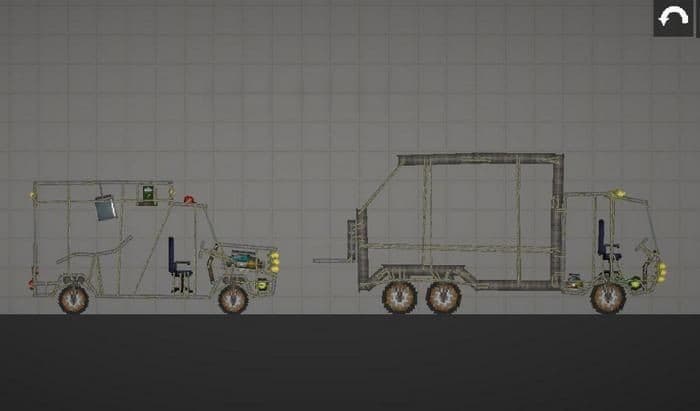
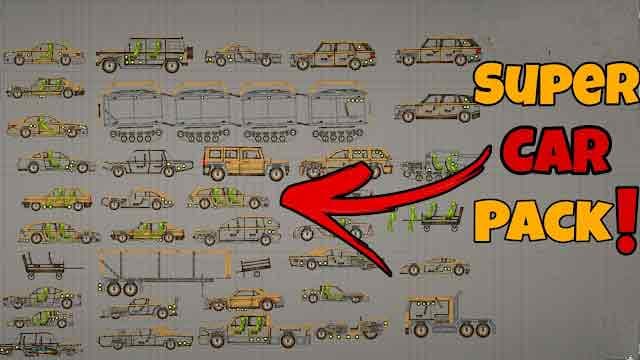
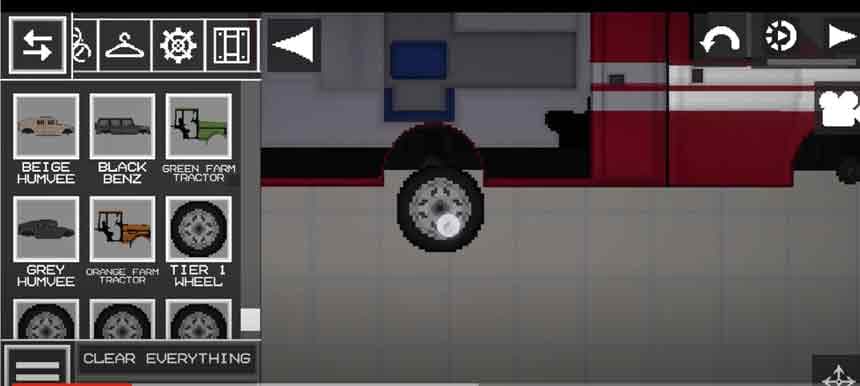
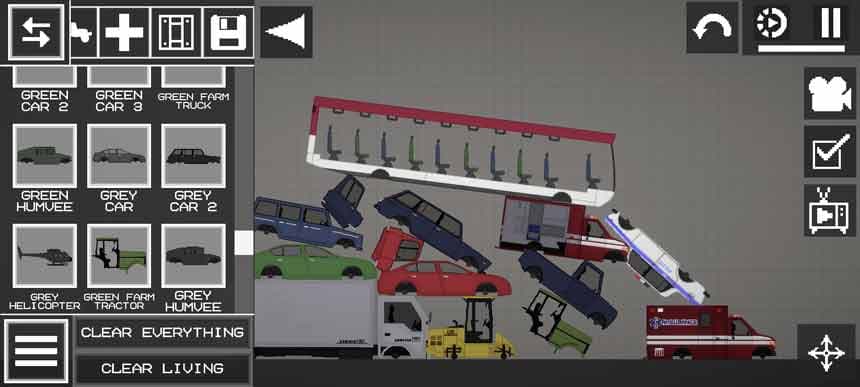
Ambulance inside Ambulance B peel p50 B Pickup truck beige Humvee black Benz Blue Benz Blue car 2 Blue car 3 Blue Farm Truck Bus 1 Bus 2 Bus 3 Bus 4 G peel p50 G Pickup truck Getname.bat Gr peel p50 Gr Pickup truck Gray car 3 Green Benz Green car 2 Green car 3 Green Car green farm tractor Green Farm Truck Green Humvee Grey car 2 Grey Car Grey Helicopter grey Humvee orange farm tractor Police car 3 Police Car Police Helicopter R peel p50 R Pickup truck Red Benz Red car 2 Red car 3 Red Car Red Farm Truck Roadroller Roll Roadroller Taxi tier 1 wheel tier 2 wheel tier 3 wheel tier 4 wheel tier 5 wheel Truck inside Truck Wheel loader shovel Wheel loader White Car White Helicopter
- 1Download the .melmod fileTap Download .melmod. If your browser renames it to .zip or .bin, rename it back to .melmod.
- 2Move it to the Mods folderPut the file in Android/data/com.studio27.MelonPlayground/files/Mods/ — or open it with the Nolem Playland app to skip this step.
- 3Restart Melon PlaygroundClose the game fully, then open it again so it loads the new mod.
- 4Find it in the item menuOpen any map, open the item menu and look in the Vehicles category.