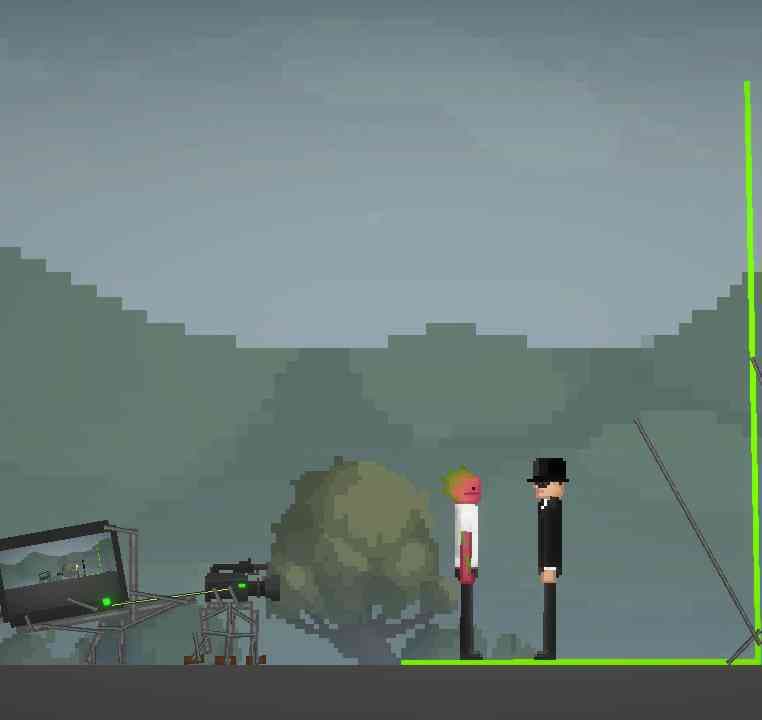
About Greenscreen Film Set
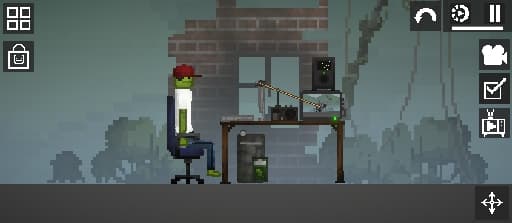
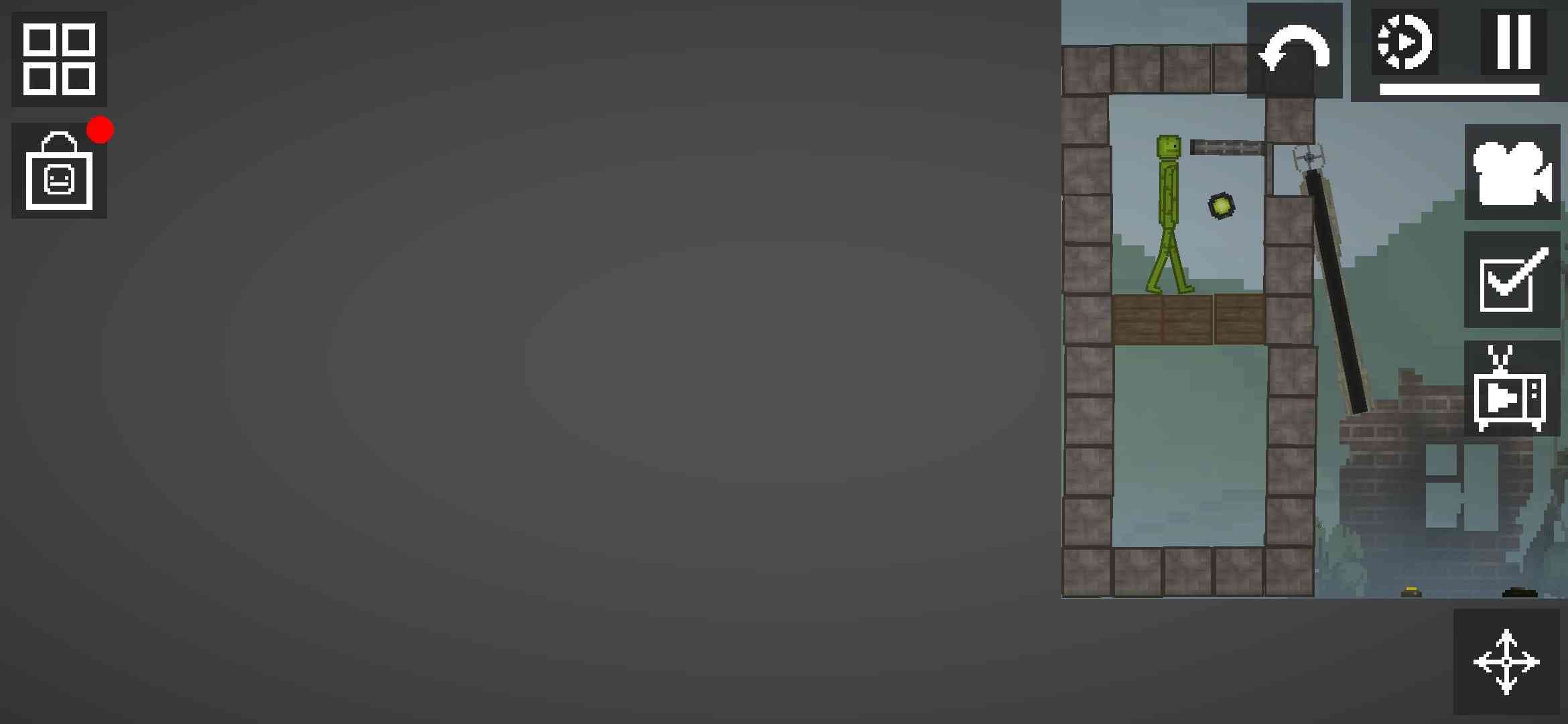
This is a greenscreen Film/movie set that can be used for RP (The characters aren't included) also it can be used on low end devices (this was made on a higher-mid-rabge phone with 8gb ram, 128gb storage, Mali G57 GPU,Unisoc T606 CPU (Green BLU G63)
- 1Download the .melmod fileTap Download .melmod. If your browser renames it to .zip or .bin, rename it back to .melmod.
- 2Move it to the Mods folderPut the file in Android/data/com.studio27.MelonPlayground/files/Mods/ — or open it with the Nolem Playland app to skip this step.
- 3Restart Melon PlaygroundClose the game fully, then open it again so it loads the new mod.
- 4Find it in the item menuOpen any map, open the item menu and look in the Build category.