About STAR WARS Pack
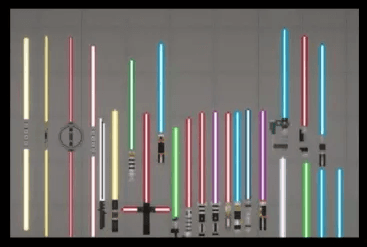
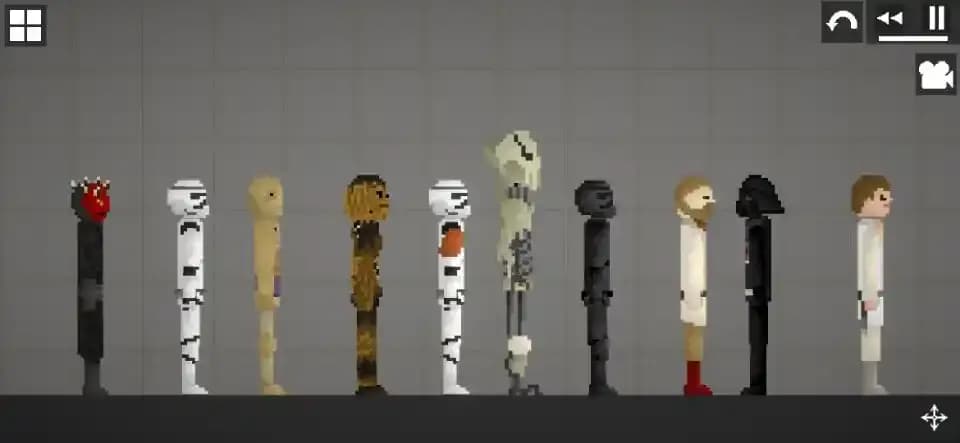
Items: • Blue Lightsaber • Red Lightsaber • Blue lightsaber • Purple Lightsaber • Double red lightsaber • Triple red lightsaber • Shocker • R2-D2 (body) • R2-D2 (leg) • Blaster • Blaster bullet • Raincoat Characters (NPS): • Luke Skywalker • Obi-Wan Kenobi • Darth Vader • Darth Maul • C3RO • Stormtrooper • Stormtrooper of Death • Stormtrooper General • General Grievous (2 hands) • Wookiee Chewbacca Buildings: • At at • At st • X-winger
- 1Download the .melmod fileTap Download .melmod. If your browser renames it to .zip or .bin, rename it back to .melmod.
- 2Move it to the Mods folderPut the file in Android/data/com.studio27.MelonPlayground/files/Mods/ — or open it with the Nolem Playland app to skip this step.
- 3Restart Melon PlaygroundClose the game fully, then open it again so it loads the new mod.
- 4Find it in the item menuOpen any map, open the item menu and look in the Pack category.