 1 / 3
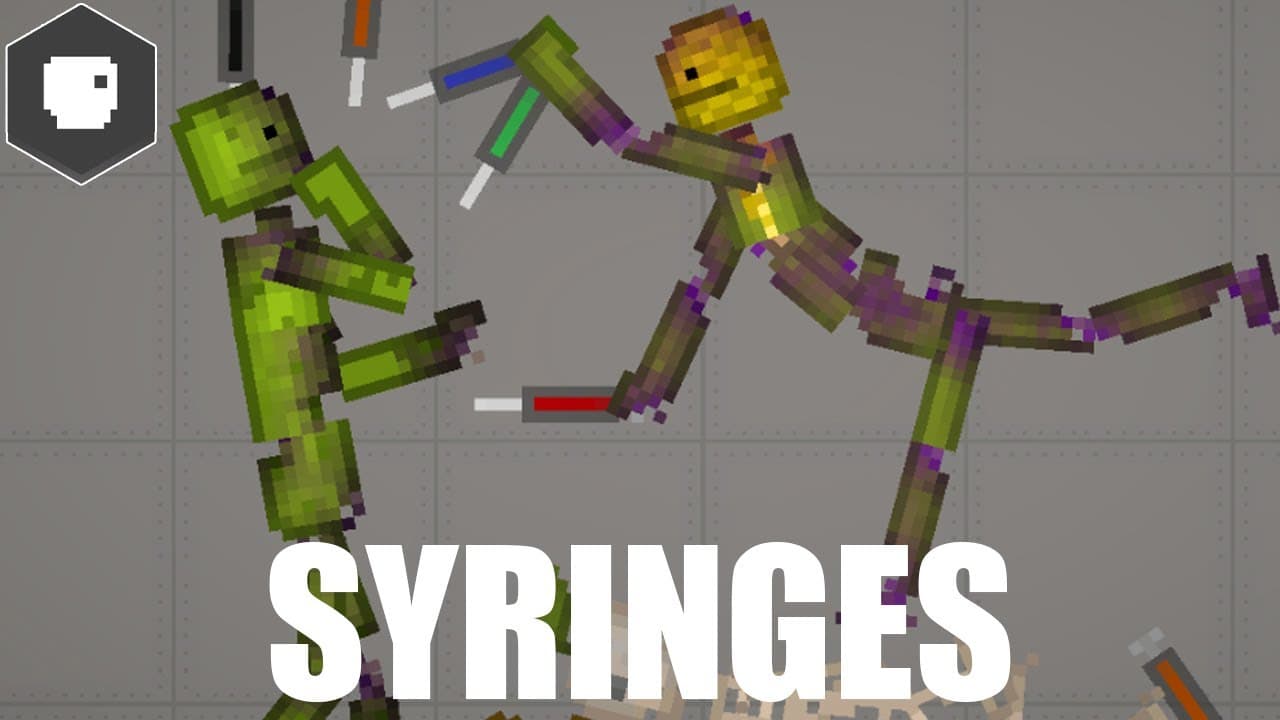
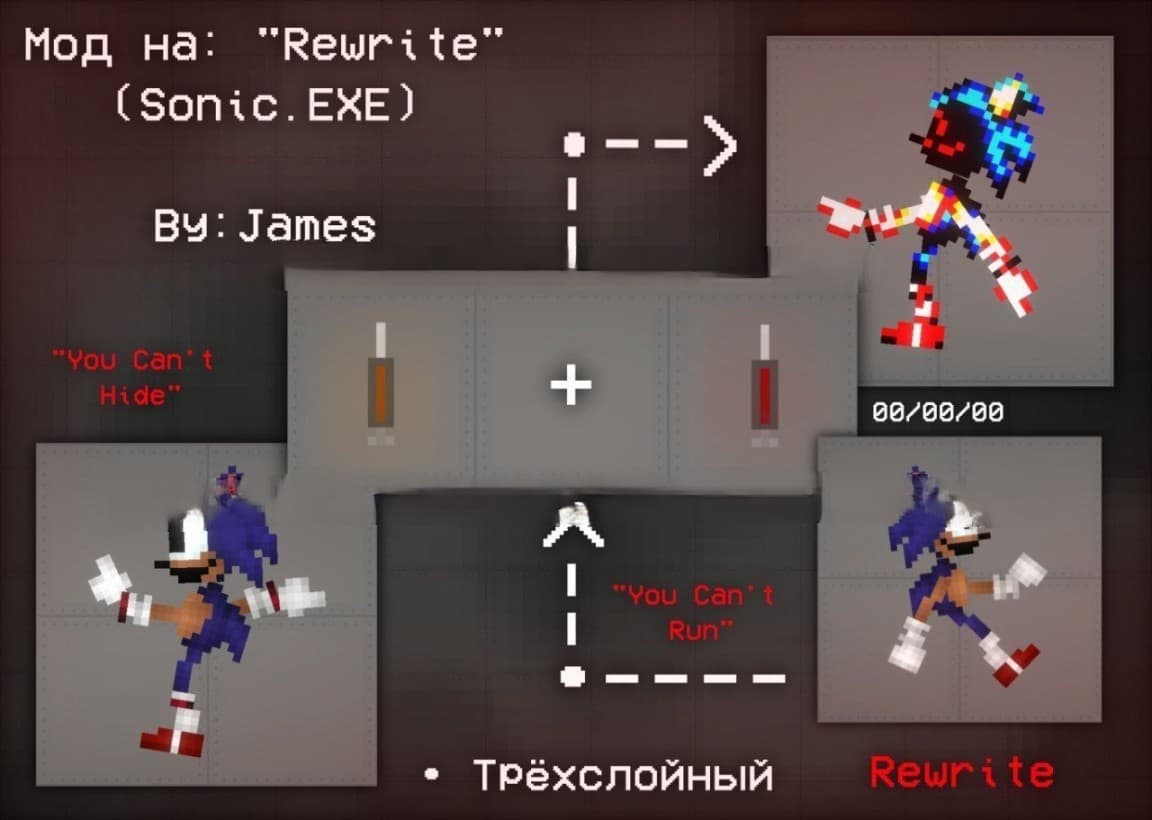
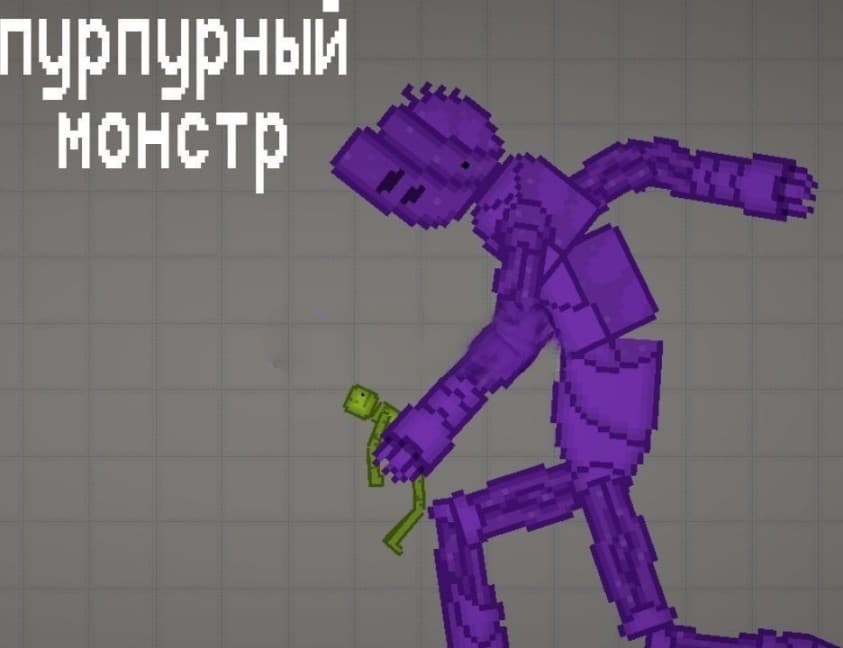
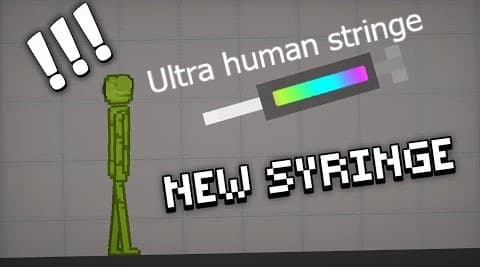
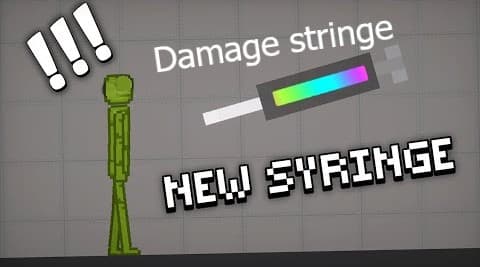
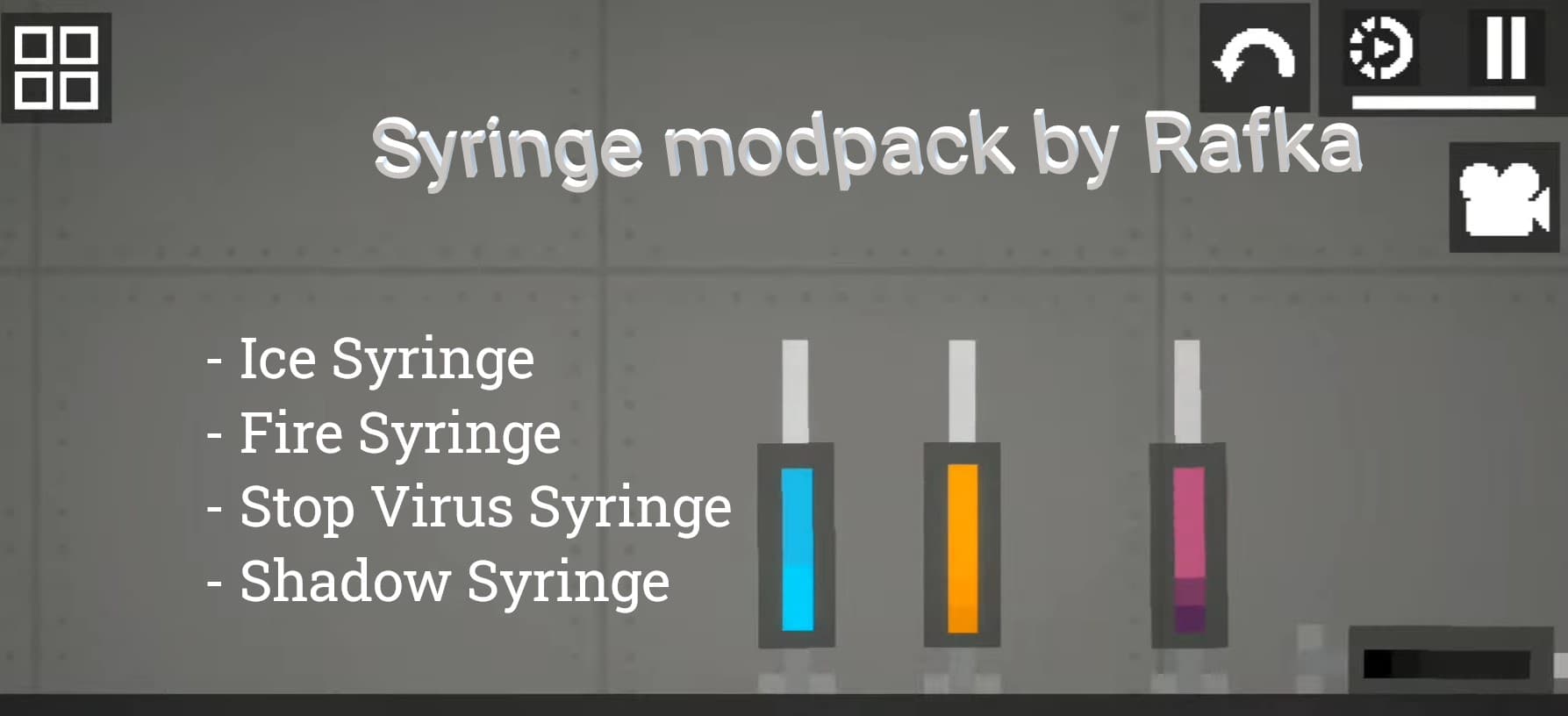
1 / 3About Syringe Modpack by Rafka
This syringes modpack include: - Ice Syringe - Fire Syringe - Stop Virus Syringe - Shadow Syringe How to use: 1. First make the item for syringe 2. Take a syringe 3. Put the item and you need to resize it so it can fit inside the syringe 4. Parent the syringe 5. Save the syringe
- 1Download the .melmod fileTap Download .melmod. If your browser renames it to .zip or .bin, rename it back to .melmod.
- 2Move it to the Mods folderPut the file in Android/data/com.studio27.MelonPlayground/files/Mods/ — or open it with the Nolem Playland app to skip this step.
- 3Restart Melon PlaygroundClose the game fully, then open it again so it loads the new mod.
- 4Find it in the item menuOpen any map, open the item menu and look in the Syringes category.