About why1 all
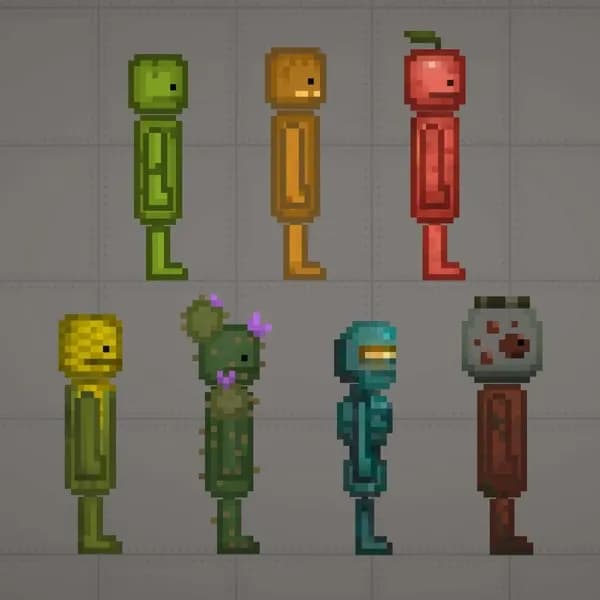
Agoti Anime Apple Anime Corn Anime Anime Pumpkin Apple Arms axolot Ballin Axel Banana Big Hands Blue Bodybuilder Budhha Cake Carrot Corn Arm Cyan Donkey Drip Duck Duolingo (2) Duolingo Fat Female Corn Fexa Maid Bot Girl Gun us Monster Apple Monster Corn Monster new water Orange Pink Pinneaple Owl ponkey pon Pumpkin 01 Pumpkin Arms Purple Red Robot arm Smurf Cat Stick StrawBerry Elephant stylish Tiger Tooth Apple Tooth Corn Tooth Pumpkin Twoeyed water Why1 Yellow Yippeee Zubastik
Tags#NPC
- 1Download the .melmod fileTap Download .melmod. If your browser renames it to .zip or .bin, rename it back to .melmod.
- 2Move it to the Mods folderPut the file in Android/data/com.studio27.MelonPlayground/files/Mods/ — or open it with the Nolem Playland app to skip this step.
- 3Restart Melon PlaygroundClose the game fully, then open it again so it loads the new mod.
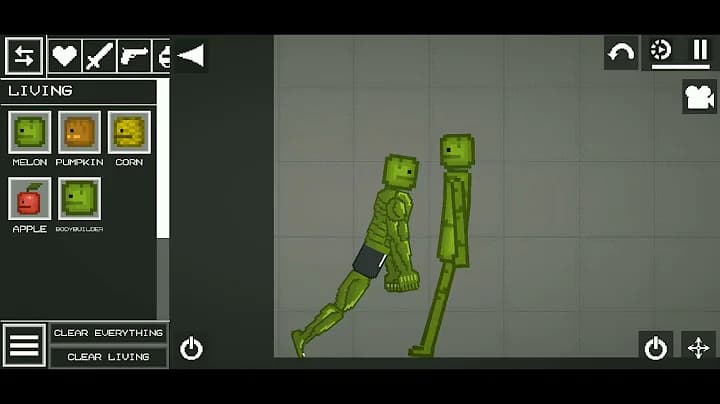
- 4Find it in the item menuOpen any map, open the item menu and look in the Living category.